
Keyflow
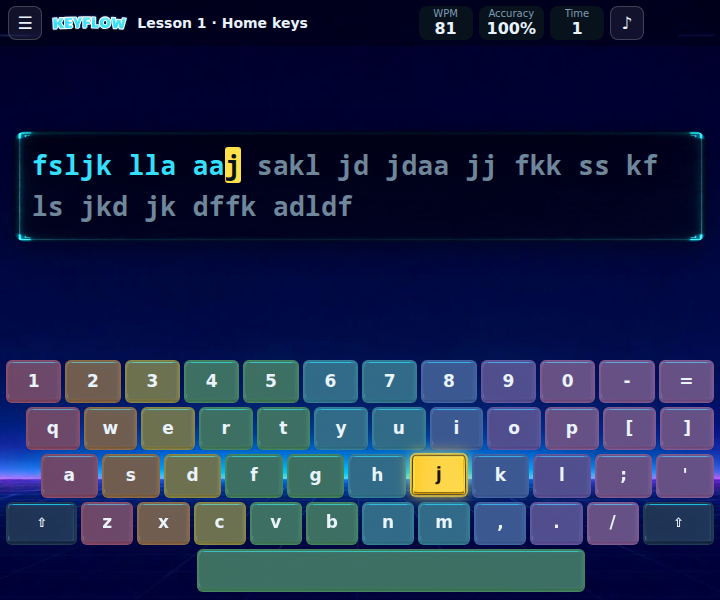
Keyflow is a friendly touch typing tutor. Start on the home row, add one row at a time and soon your fingers will find every key without a glance. Watch your speed and accuracy grow, earn up to three stars per lesson and practise in 17 languages, accents and all!
How to play Keyflow
Type the text on screen with your physical keyboard. The highlighted key on the on-screen keyboard shows what to press next, and the colours show which finger to use. A wrong key does not move you forward, so slow down and aim for accuracy first. Lessons start with the home row, then add the top and bottom rows, special letters or capitals, whole words, sentences and short stories. Reach the goal speed with at least 90% accuracy to pass a lesson, unlock the next one and earn up to three stars. Accents are typed the way your keyboard does it: with AltGr or a dead key (the game shows you which). Keyflow follows the language of the site; you can switch it in the lesson menu. On a touchscreen use the on-screen keyboard. Press Esc for the menu. Ready to stop looking at your hands? ⌨️